SupplyShift
Enterprise supply chain SaaS platform
Simplifying complex supply chain workflows for global organizations managing supplier relationships, compliance, and sustainability data. Designed intuitive onboarding, role-based workflows, and a reusable Material UI design system that helped reduce feature design and development time by 40%.
The Challenge
Global organizations managing supplier networks face enormous complexity — tracking compliance, sustainability data, and buyer-supplier communication across hundreds of suppliers in fragmented, manual workflows. SupplyShift's existing platform was difficult to onboard, hard to navigate, and slow to develop new features for.
The Solution
I led key workflow redesigns across onboarding, data management, and buyer-supplier communication — and built a scalable design system on top of Material UI to accelerate both design and development. The goal: make complex multi-stakeholder workflows feel structured and intuitive for buyers, suppliers, and admins alike.
The Impact
- 40% reduction in feature design and development time
- Streamlined onboarding for buyers, suppliers, and admins
- Scalable design system built on Material UI (MUI)
- Simplified multi-stakeholder data and compliance workflows
Research & Insights
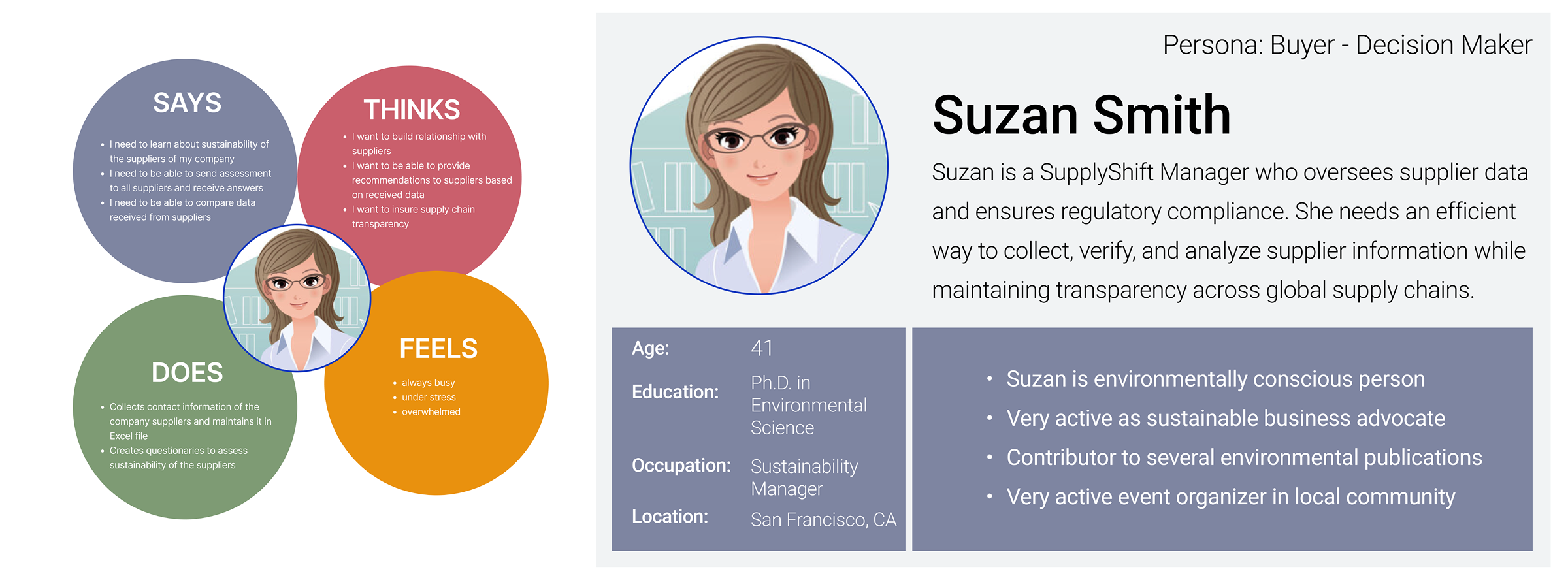
Research across buyer, supplier, and admin workflows revealed that users needed clearer onboarding, structured workflows, better system feedback, and consistent interaction patterns to manage enterprise supply chain complexity.
“Suppliers struggled to understand what data was required, buyers needed faster visibility into supplier status, and admins needed clearer permission/account controls.”
— Research Synthesis · Key Insight
Design Process
01User & System Research
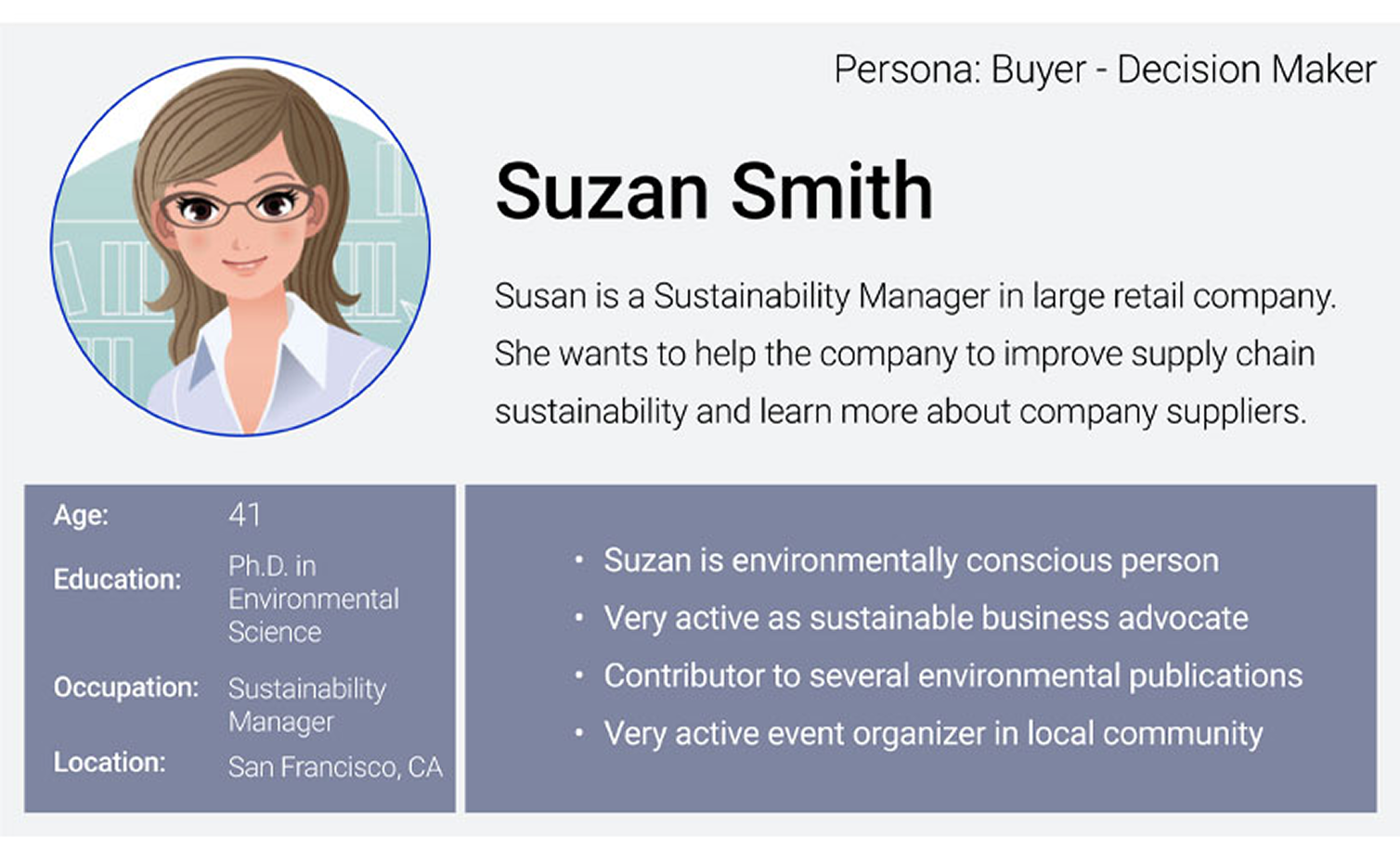
I mapped the needs of buyers, suppliers, and admins, then reviewed where users were overwhelmed by complex workflows, large datasets, unclear permissions, and fragmented onboarding. The research showed that users needed guided paths and stronger feedback from the system.
02Workflow Simplification
I redesigned onboarding, account setup, dashboard, and supplier data workflows into clearer task-based flows. Each workflow was structured to reduce cognitive load while still supporting the flexibility required by enterprise organizations.
03Role-Based Experience Design
Because different roles needed different levels of control, I designed role-based access, permissions, and interfaces for buyers, suppliers, admins, invited users, and paid customers. This helped tailor the experience without fragmenting the product.
04Design System Foundation
The platform had evolved without consistent UI patterns, slowing both design and engineering. I introduced reusable Material UI-based components, interaction patterns, and visual guidelines to improve consistency and speed up delivery.
Key Features
Designed to simplify enterprise workflows, every feature supports clearer onboarding, better data visibility, and more efficient collaboration.
Login & Onboarding
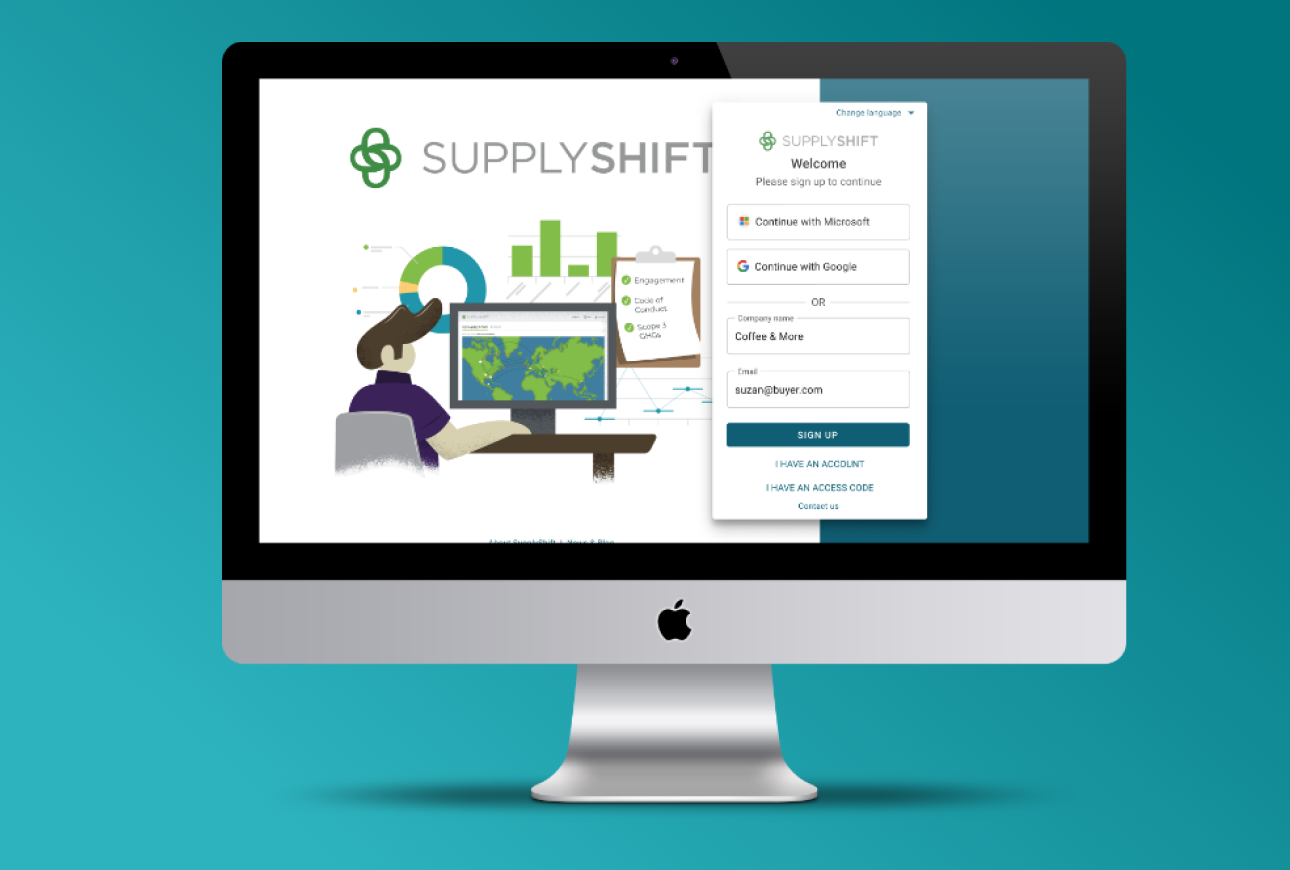
Redesigned authentication with Microsoft and Google single sign-on, improved password flows, and flexible entry paths for paid, invited, and free-access users.
Action-Driven Dashboard
Dynamic cards surface pending tasks, completed actions, supplier metrics, and key updates so users can quickly understand system status and take action.
Account Management
Personal account, company account, and user management were separated into clearer sections, giving administrators better control over access and permissions.
Supplier Data Workflows
Structured upload, reporting, analytics, and comparison tools helped users manage supplier data and make decisions with less operational friction.
Reusable Design System
A Material UI-based component library and shared patterns improved consistency across the product while aligning closely with engineering implementation.
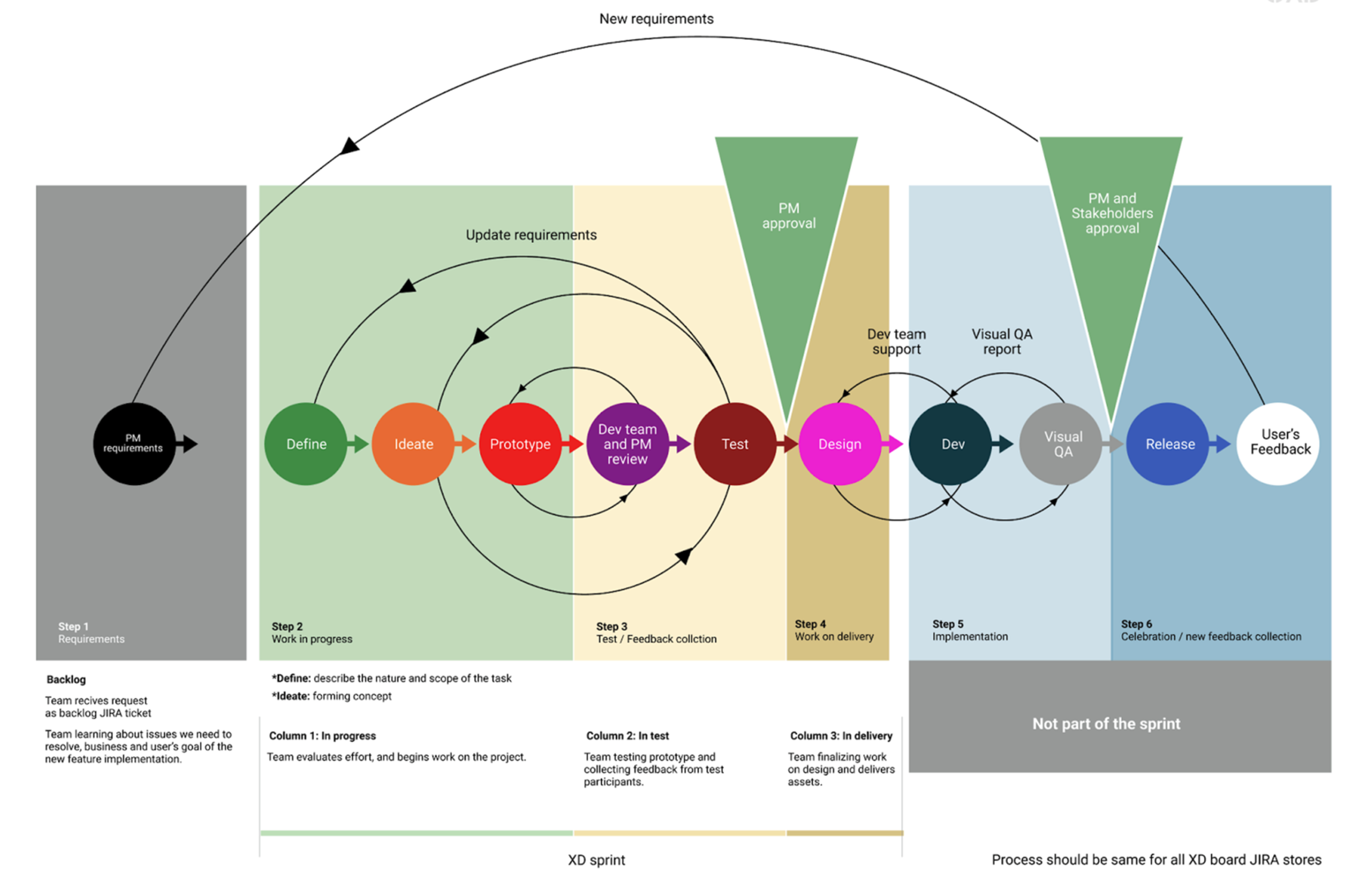
Collaboration Workflow
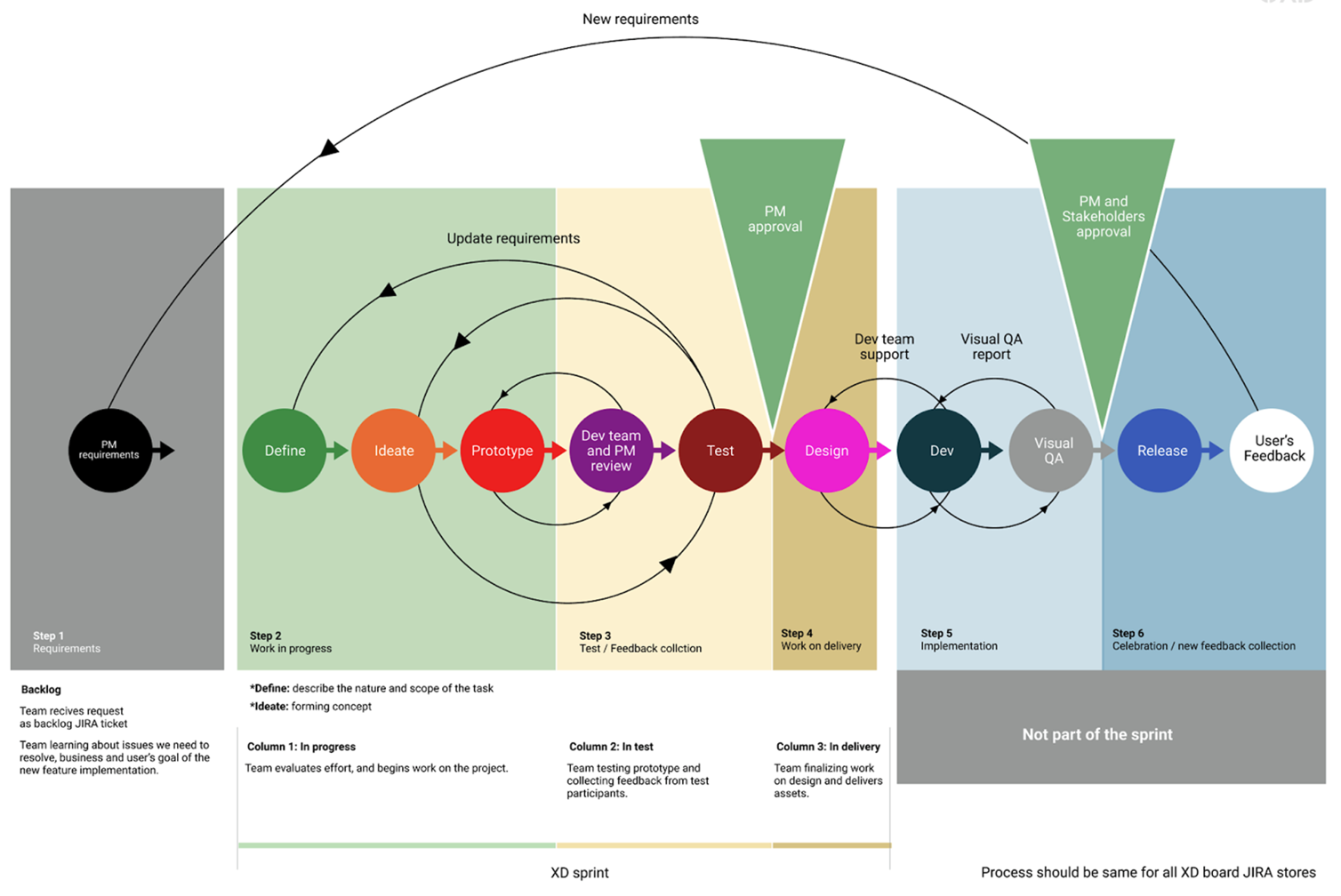
Regular design reviews, daily check-ins, and shared product diagrams brought product, design, engineering, and stakeholders into the process earlier.
Key Flows
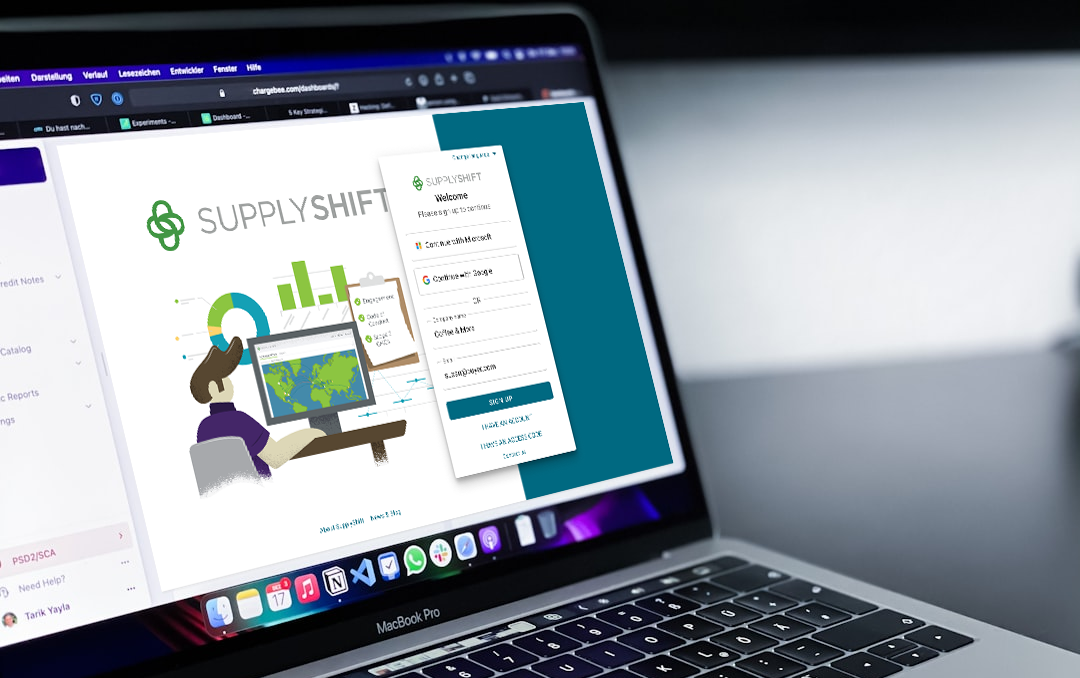
Login and onboarding — lower-friction access with enterprise-level security
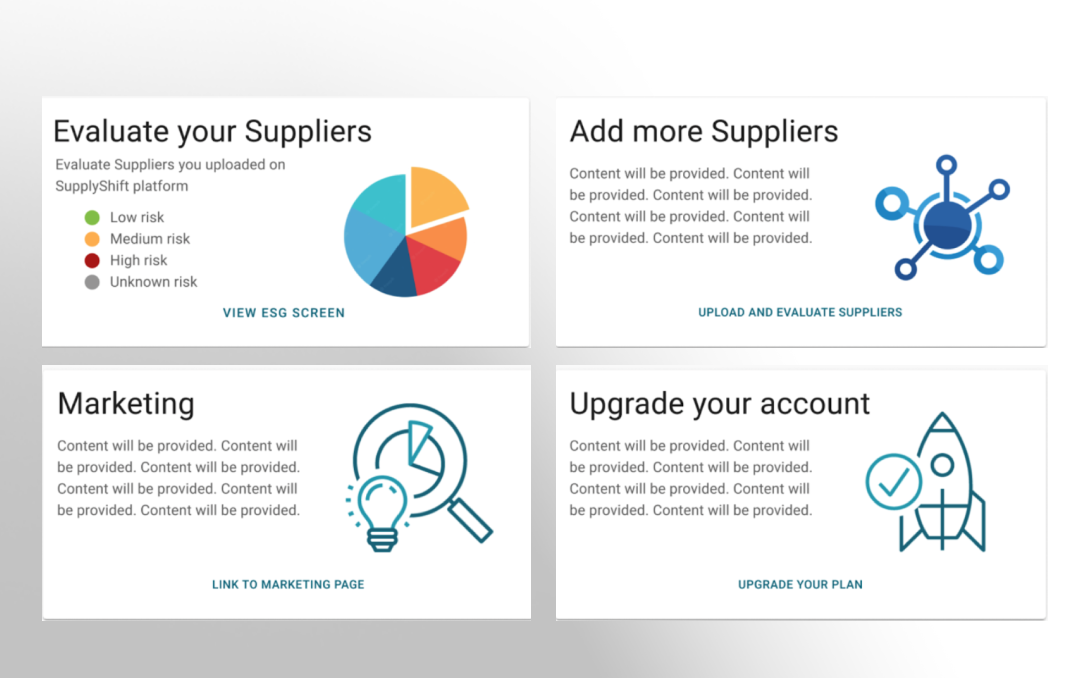
Dashboard — action-driven cards with role-based data visibility
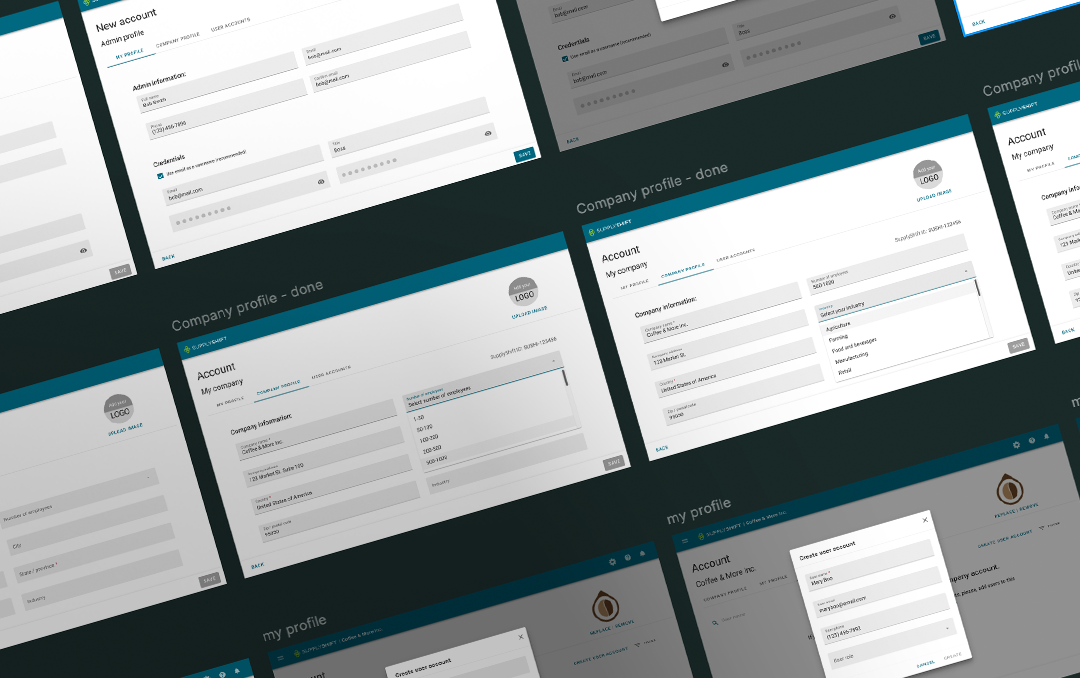
Supplier workflows — clearer account, supplier, and data management
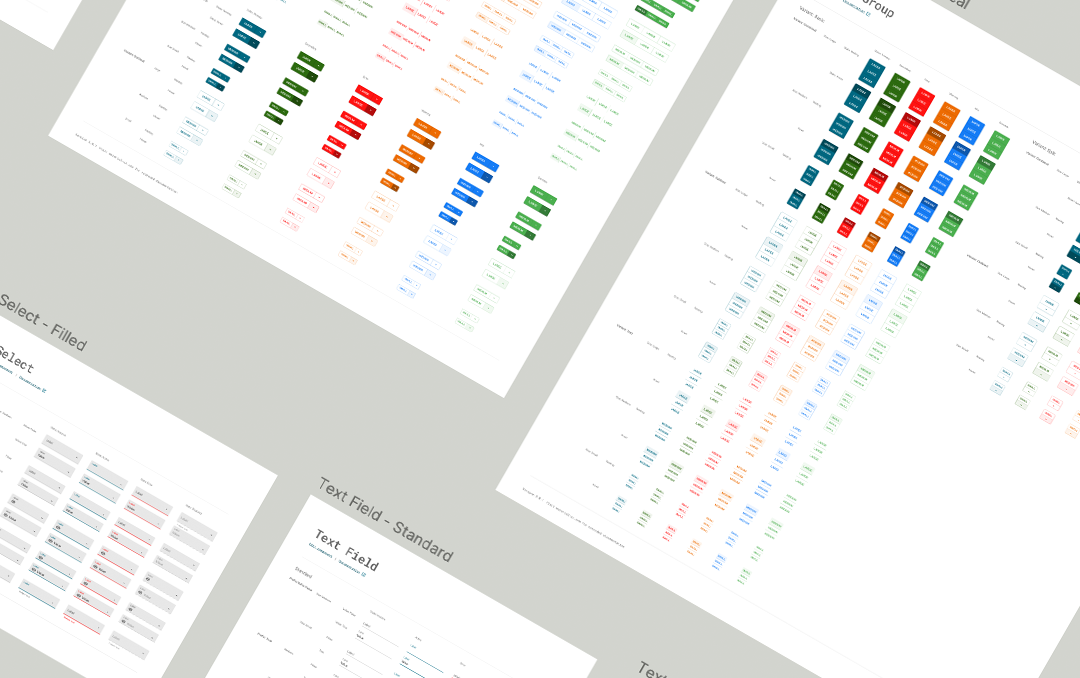
Design system — reusable MUI-based components for scalable delivery
Challenges & Constraints
- The platform served multiple roles with different needs, so simplifying the experience required strong information architecture and clear permission models.
- Large supplier datasets and compliance requirements created dense screens that needed to remain scannable and actionable.
- The product had evolved across multiple teams, creating inconsistent UI patterns that had to be addressed while active feature work continued.
- Design and engineering alignment had to improve quickly, so I introduced shared reviews, diagrams, and more transparent delivery checkpoints.
What I Learned
- Enterprise systems require a careful balance of flexibility and clarity. The product needed to support complex organizational structures without making daily workflows feel complex.
- Small usability improvements can create meaningful business impact at scale when they reduce friction in high-volume operational workflows.
- A scalable design system is not only a visual consistency tool. It is also a delivery tool that helps product and engineering move faster with fewer ambiguities.
- Early engineering collaboration improved implementation quality and reduced rework, especially for workflows involving permissions, account setup, and data-heavy screens.