IBM: Meetaker AI
AI meeting productivity platform
A performance application powered by IBM and Azure OpenAI to increase productivity and streamline post-meeting experiences across iOS and web.
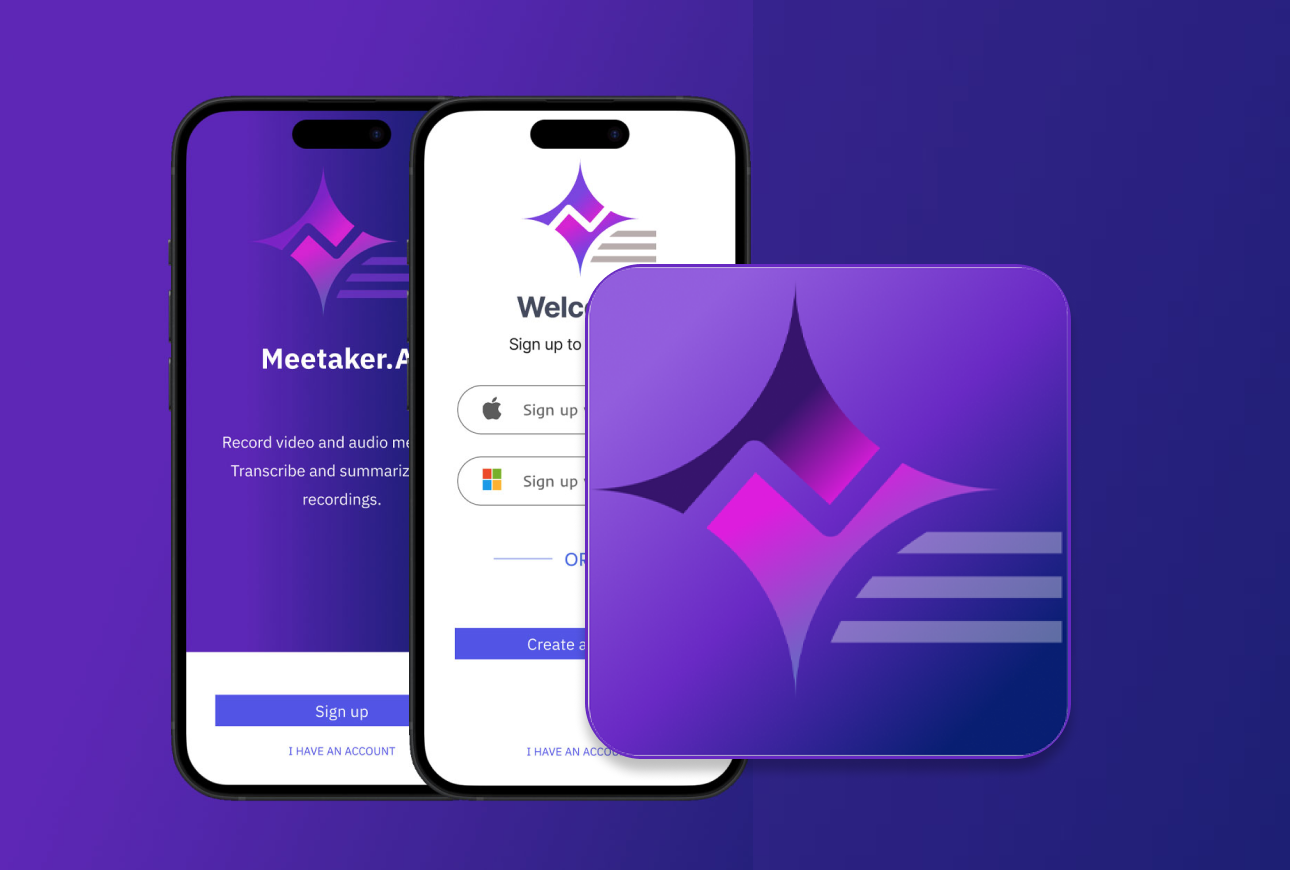
The Challenge
Post-meeting workflows are fragmented and time-consuming. Professionals struggle to accurately capture action items, summarize key decisions, and share outcomes — leading to misalignment, missed follow-ups, and lost productivity.
The Solution
A cross-platform AI app (iOS + Web) that records, transcribes, and summarizes meetings using IBM and Azure OpenAI — giving professionals a reliable, structured record of every conversation with minimal manual effort.
The Impact
- Reduced post-meeting processing time significantly
- Consistent transcript and summary quality across iOS and web
- Aligned with IBM accessibility and efficiency standards
- Branding recognized as conveying creativity, confidence, and innovation
Research & Discovery
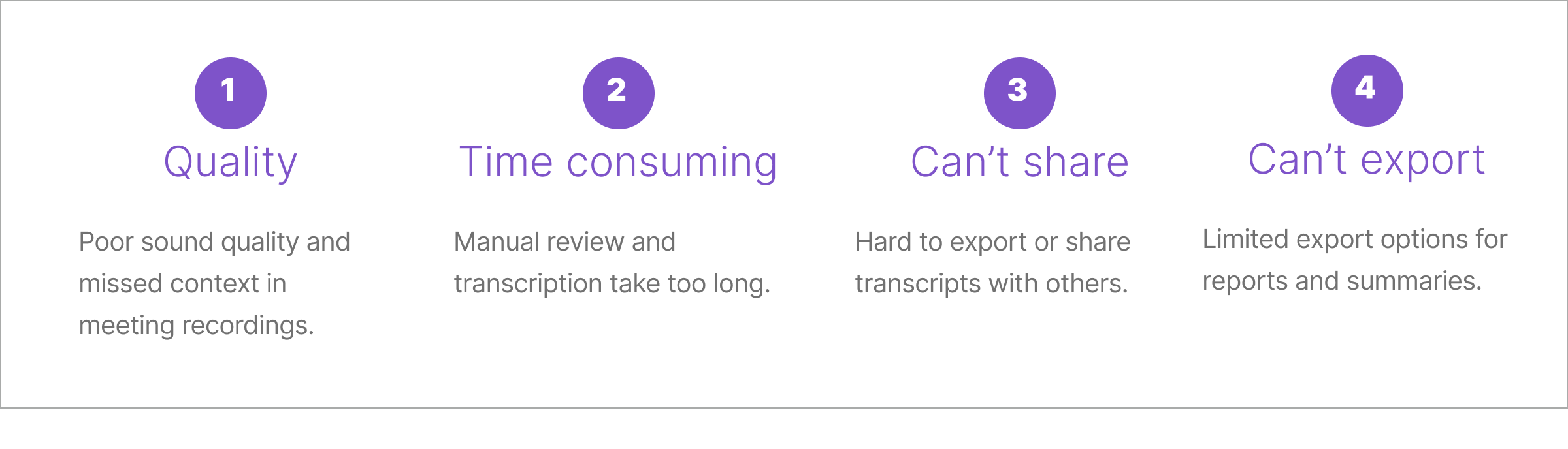
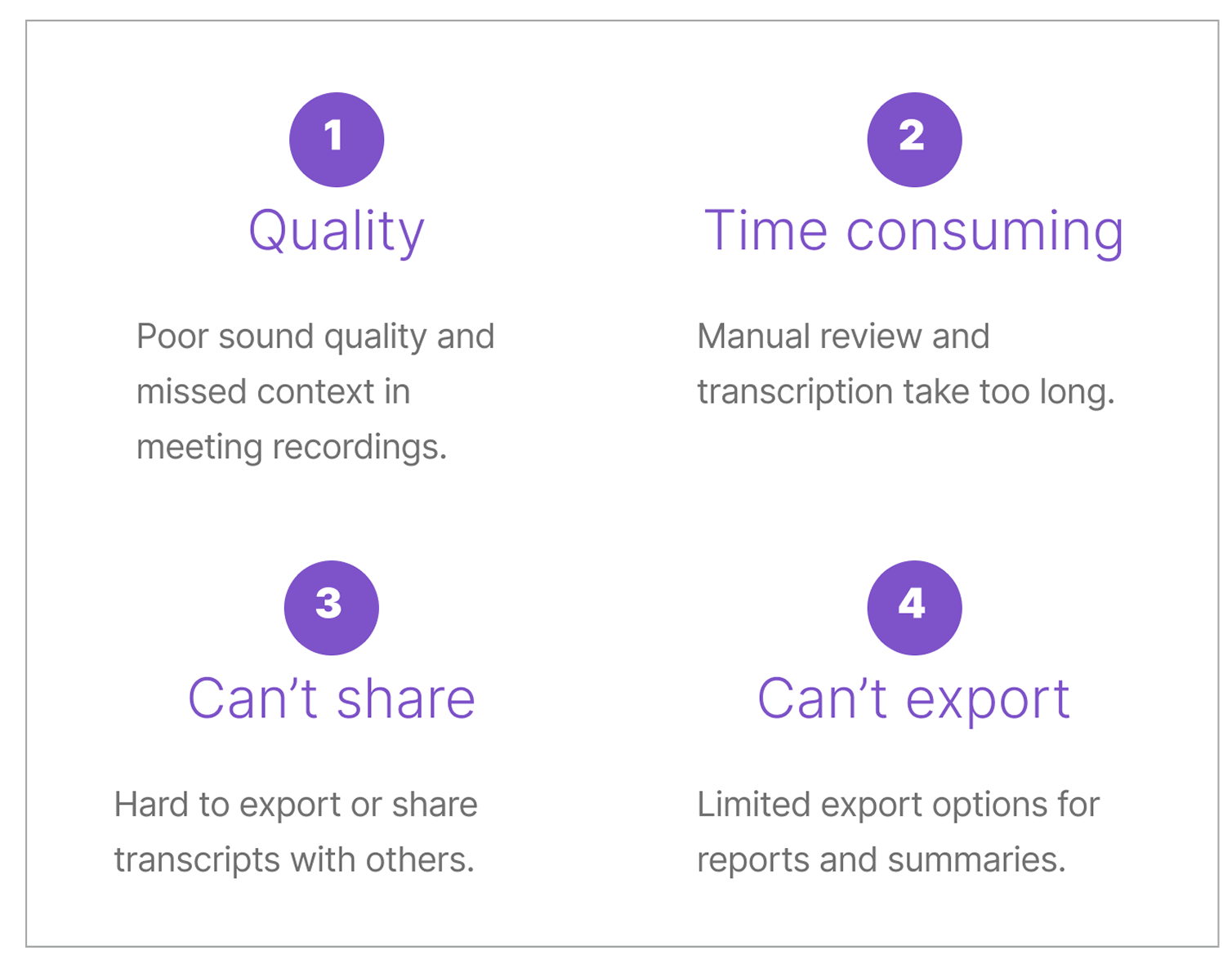
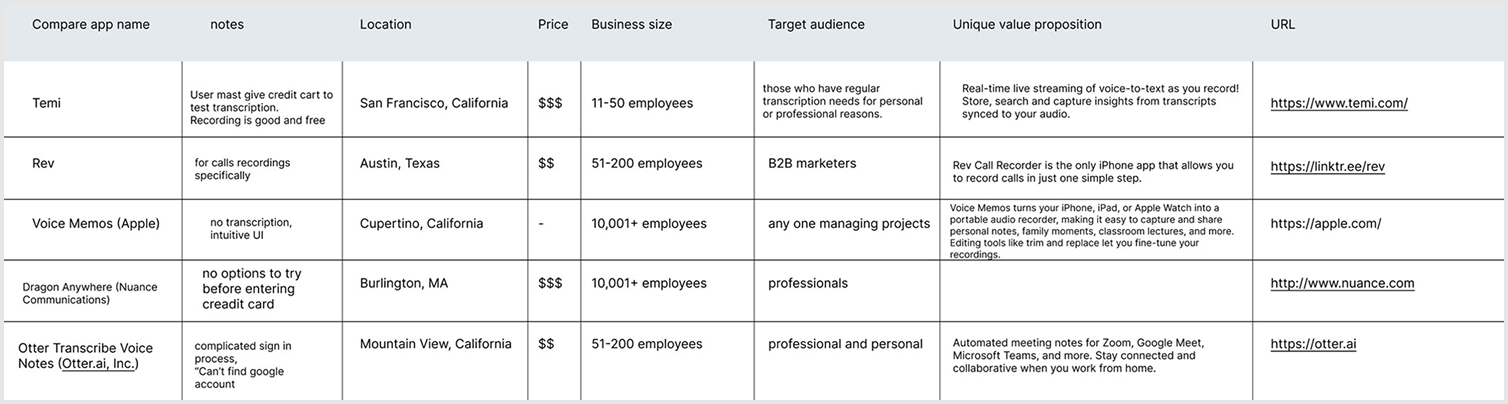
I conducted a competitive audit of existing voice transcription tools to identify recurring pain points before committing to a design direction — combined with user interviews to understand real workflow needs.
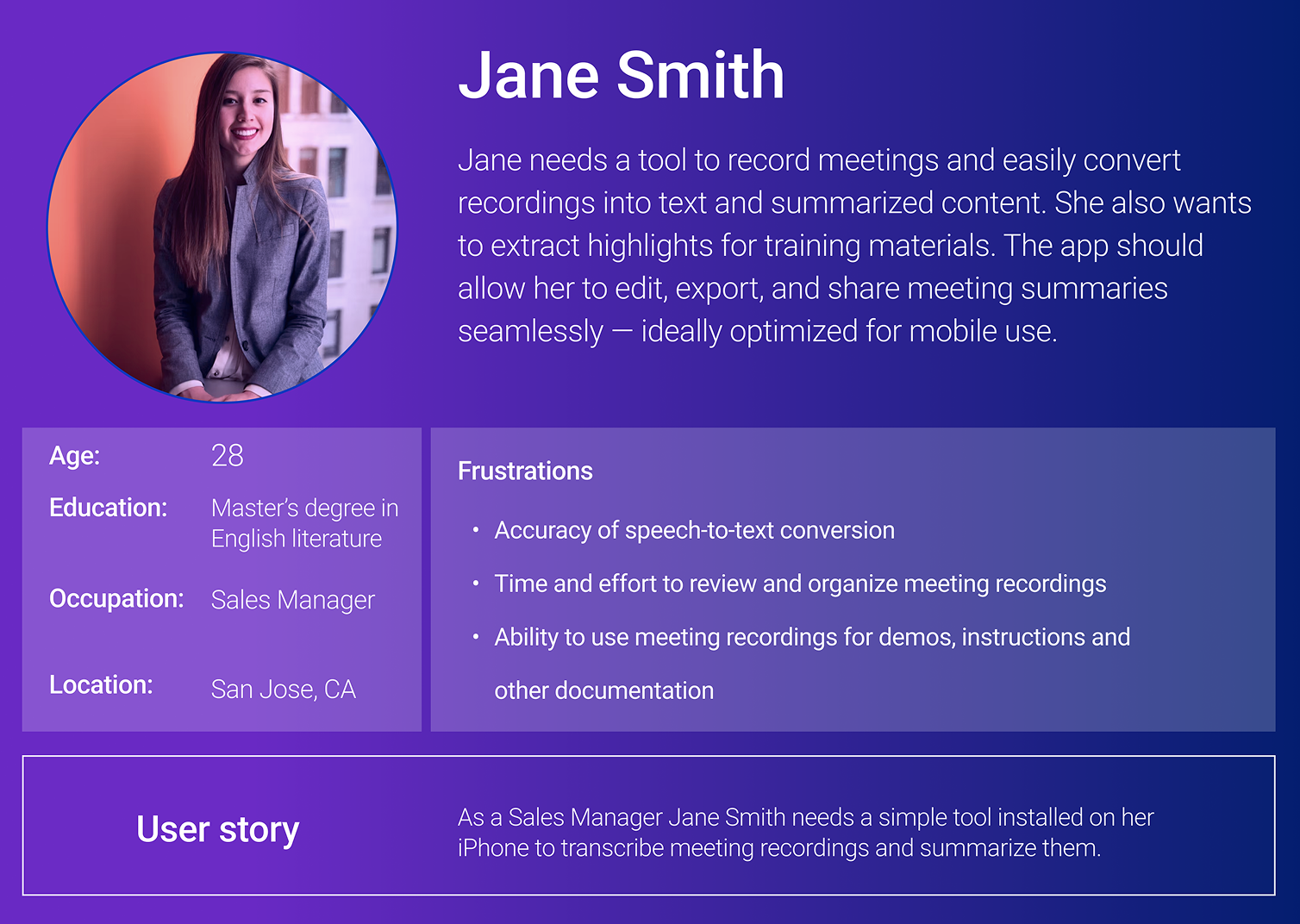
“I need a simple iPhone tool that can transcribe my meeting recordings and give me a clean summary — I don't have time to rewatch everything.”
— Jane S., Sales Manager · Key Persona
Design Process
01Pain Points & User Research
I began by identifying friction in post-meeting workflows through user interviews and a competitive audit of existing transcription tools — Otter.ai, Fireflies, and Google Meet transcription. Common pain points emerged: inaccurate transcripts, no smart summarization, poor organization of notes, and no cross-device continuity. These findings shaped the core feature set.
02User Journey Mapping
I mapped the full journey of a user — from recording a meeting through reviewing transcripts and sharing summaries — to identify key friction points and opportunities. The journey revealed that most drop-off happened in the post-recording phase: users had raw transcripts but no clear path to actionable summaries or organized notes.
03Wireframes & Information Architecture
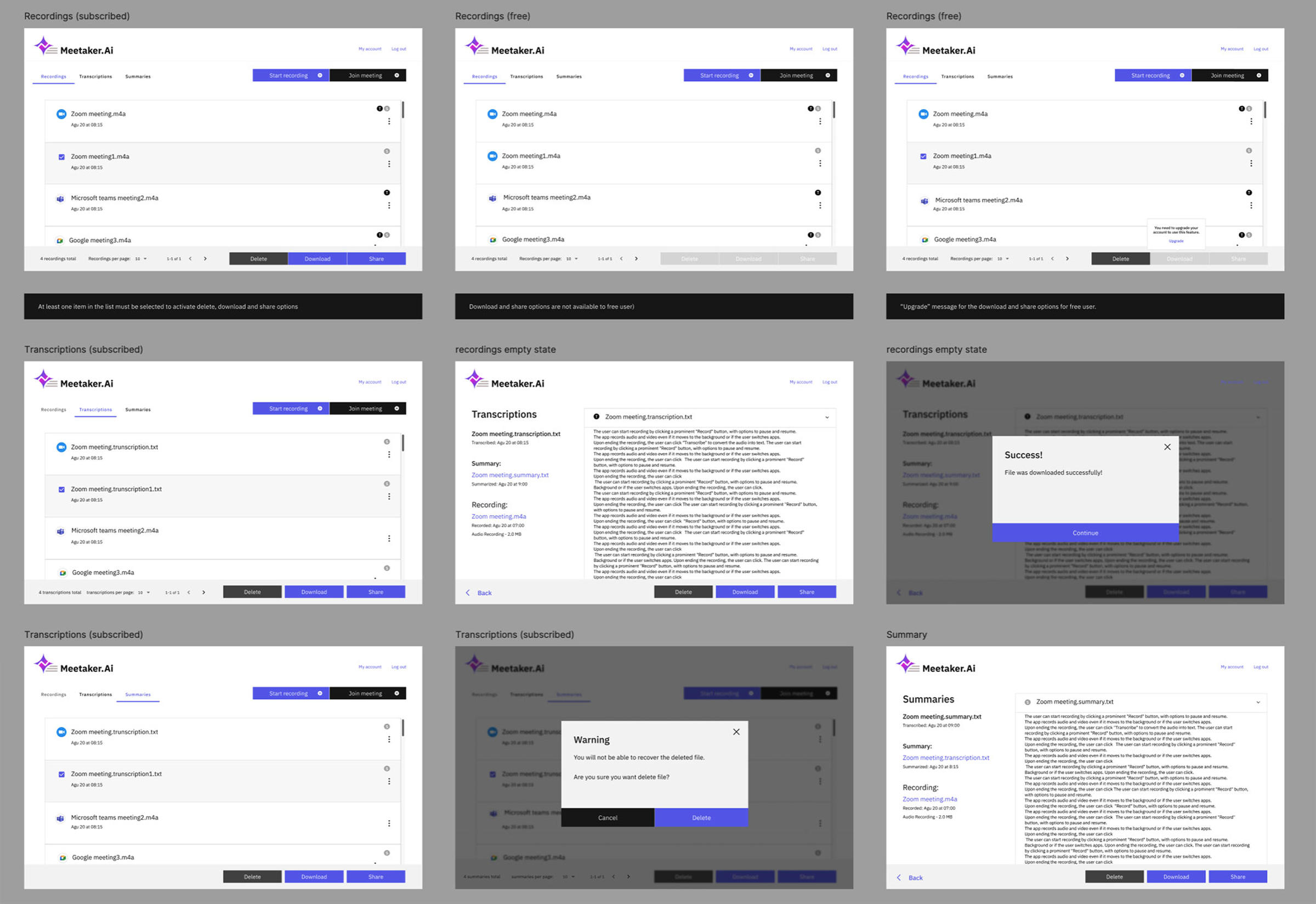
Wireframes focused on three core areas: recording and playback, note organization, and transcript management. I explored multiple IA approaches for surfacing AI summaries — inline within transcripts, as a separate summary view, and as push-notification digests. Testing revealed users preferred a dedicated summary screen with the ability to jump back to the transcript.
04Branding, Visual Design & Mockups
The visual design blended IBM's modern clarity with a purple accent to communicate creativity and confidence — differentiating Meetaker from IBM's typically neutral enterprise palette while staying within brand guardrails. High-fidelity mockups were developed for iOS and web, aligned with IBM accessibility standards, and validated through usability testing before handoff.
Key Features
Designed around post-meeting workflows, every feature helps users move from raw conversation to actionable outcomes.
Meeting Recording
One-tap recording on iOS or web captures audio clearly, with background recording support so users can continue working during a call.
AI Transcription
Powered by IBM and Azure OpenAI, transcripts are generated in real time with speaker identification and high accuracy across accents and environments.
Smart Summarization
AI extracts key decisions, action items, and discussion highlights into a structured summary — no manual note-taking required.
Note Organization
Meetings are automatically organized by date, participant, and topic. Users can tag, search, and filter across their full meeting history.
Cross-platform Sync
Transcripts and summaries sync seamlessly between iOS and web, so users can record on mobile and review or share from desktop.
Share & Export
Summaries and transcripts can be shared directly with meeting participants or exported to productivity tools — closing the loop on follow-ups.

Design Showcase
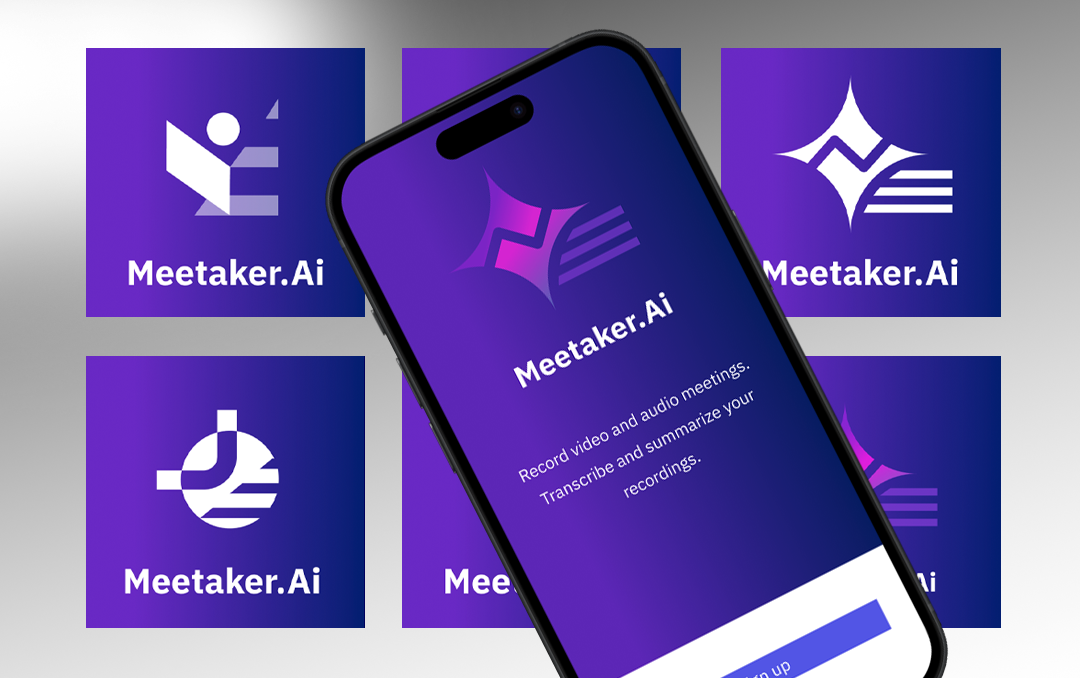
Brand identity — IBM clarity with a purple creative accent
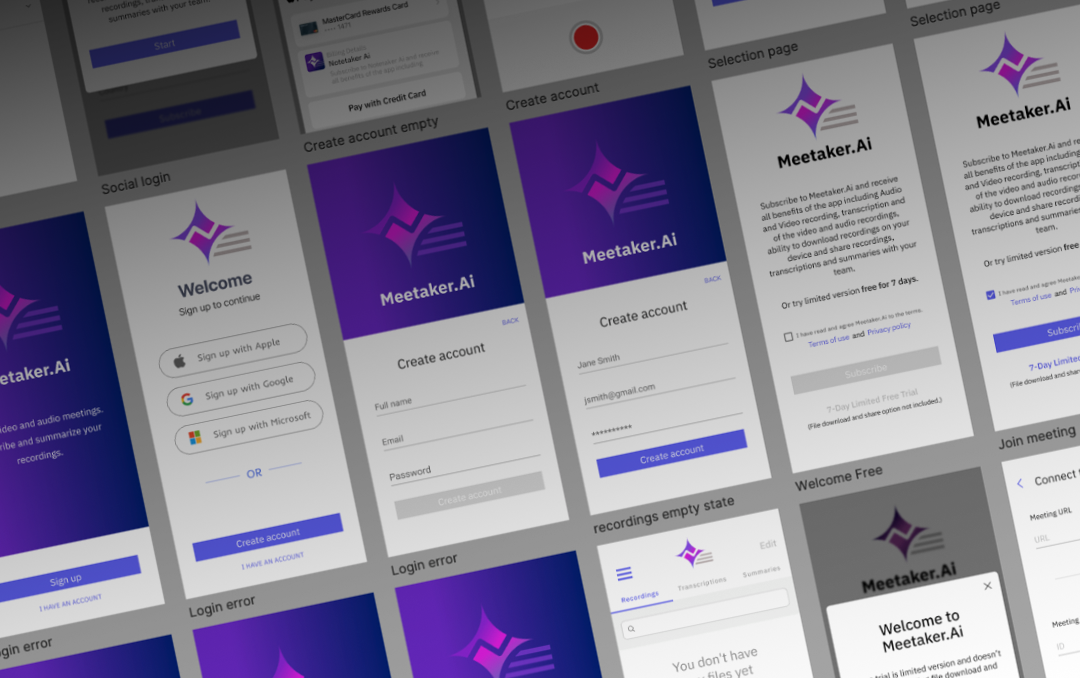
Transcript and summary views with structured meeting output
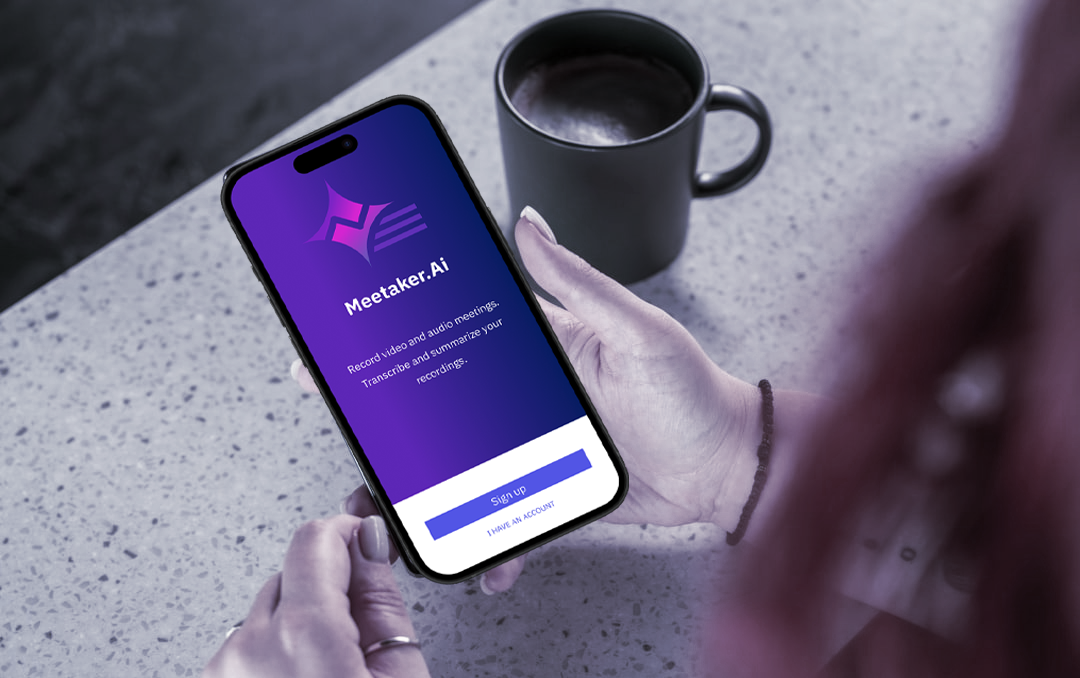
Recording screen — one-tap capture with live workflow support
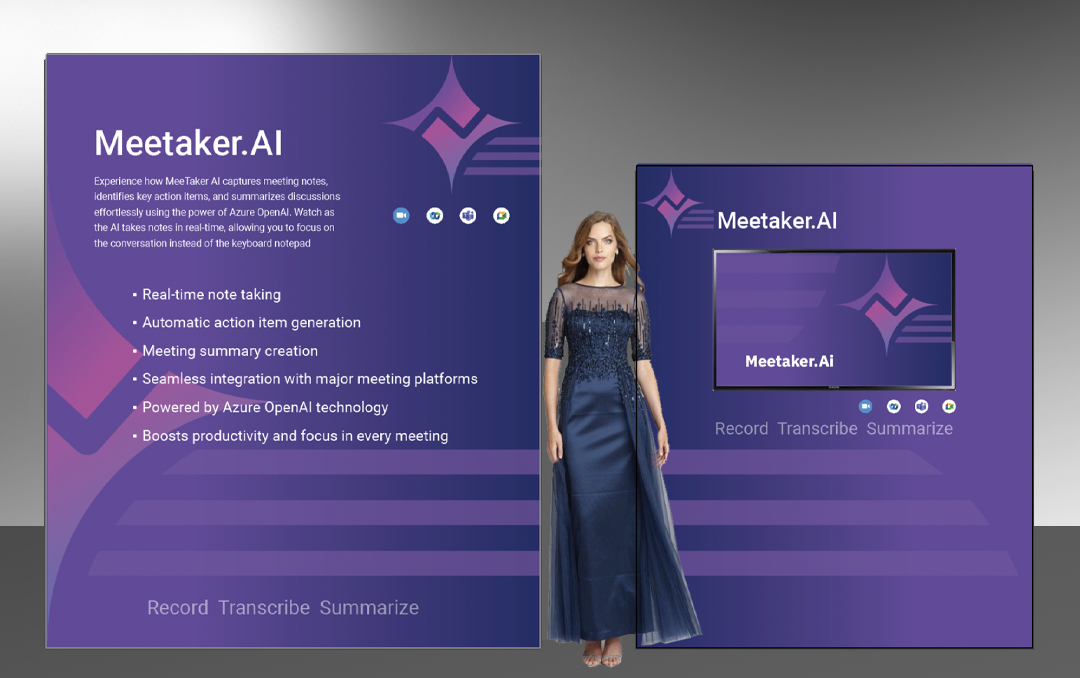
Branding — IBM clarity with a purple creative accent

What I Learned
- Designing for AI output requires setting clear user expectations — people need to understand what the AI can and can't do to trust the summaries it generates.
- Cross-platform consistency is harder than it looks. iOS and web users have fundamentally different mental models for the same task, requiring distinct interaction patterns within a shared visual system.
- Working within IBM's design standards early — rather than retrofitting at the end — saved significant rework and kept the team aligned throughout.
- The competitive audit was the most valuable early-stage activity: it quickly surfaced what users already disliked about existing tools and gave the team a clear north star for differentiation.
Challenges & Constraints
- Balancing IBM's enterprise visual language with a consumer-facing product that needed warmth and approachability was a core design tension throughout the project.
- AI transcription accuracy varied across accents and audio environments — communicating uncertainty gracefully in the UI without eroding trust required multiple design iterations.
- Defining the right level of AI automation versus user control for summaries took several rounds of testing.
- Delivering a cross-platform experience with a single design system required close collaboration with two engineering teams working on iOS and web concurrently.